Power PDF app icon

Power PDF · Reader, Scan & OCR

Power PDF: Reader, Scan & OCR

A fast PDF reader, document scanner and OCR tool for Android — read, create, protect and share PDFs from a single, no-login app.

Made for students, professionals and anyone who handles documents on their phone and wants a quick reader and scanner without accounts or bloat.

4.7 · 7 reviews · 100+ installs on Google Play (as of Jul 2026)

Free · Contains ads · No login required

Exact name
Power PDF: Reader, Scan & OCR
Developer
BlackShip Developers
Category
Productivity · PDF tools
Platform
Android 8.0 and up
Price
Free · contains ads
Works offline
Yes — read & scan on-device
Account required
No login needed
Content rating
Rated for 3+ (Everyone)
Rating
4.7 ★ · 7 reviews (Google Play, Jul 2026)
Last updated
Jul 12, 2026 (on Google Play)

See it in action

What Power PDF does

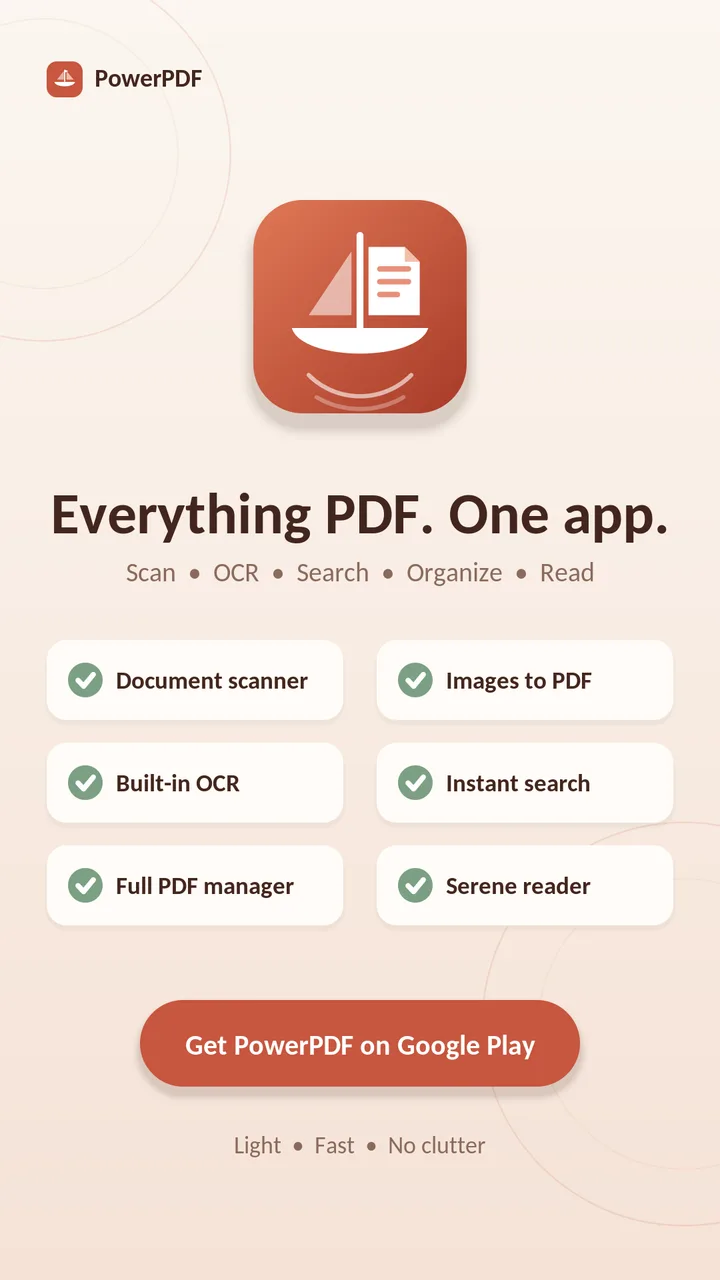
Everything PDF, in one fast app — read, scan, convert, extract and protect.

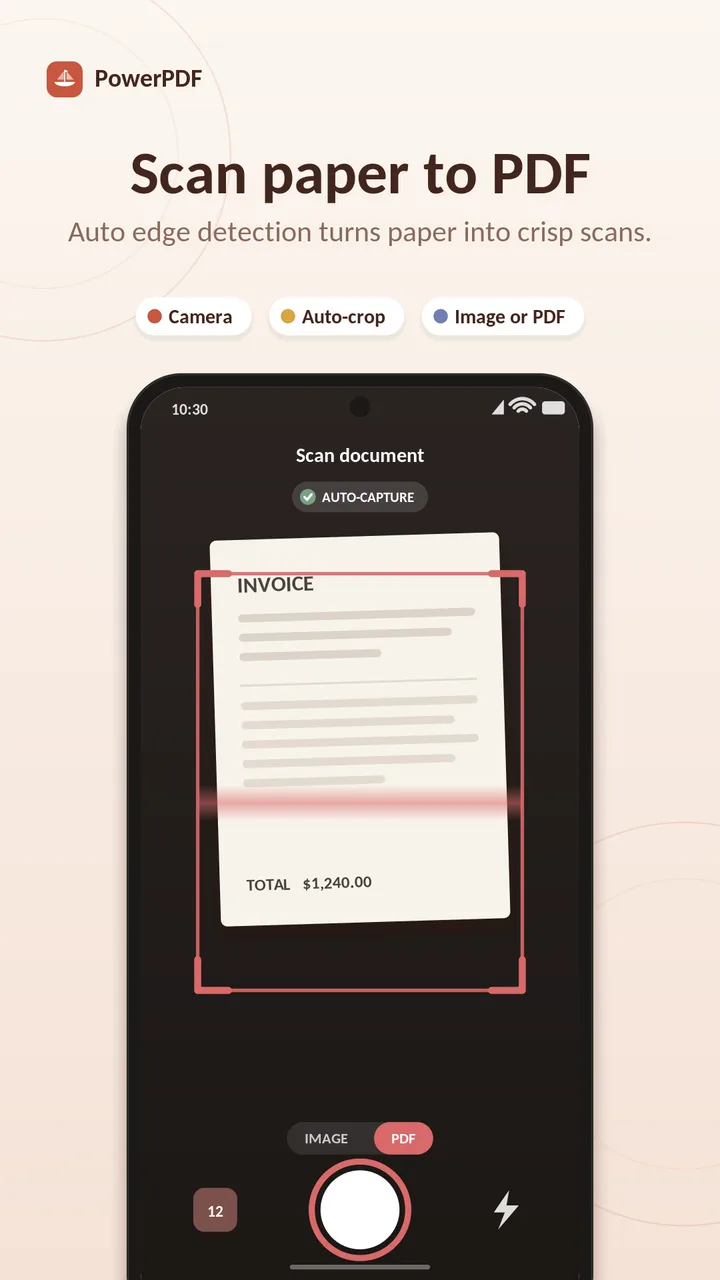
Built-in document scanner

Scan bills, notes, IDs and receipts straight into crisp, shareable PDFs with the camera.

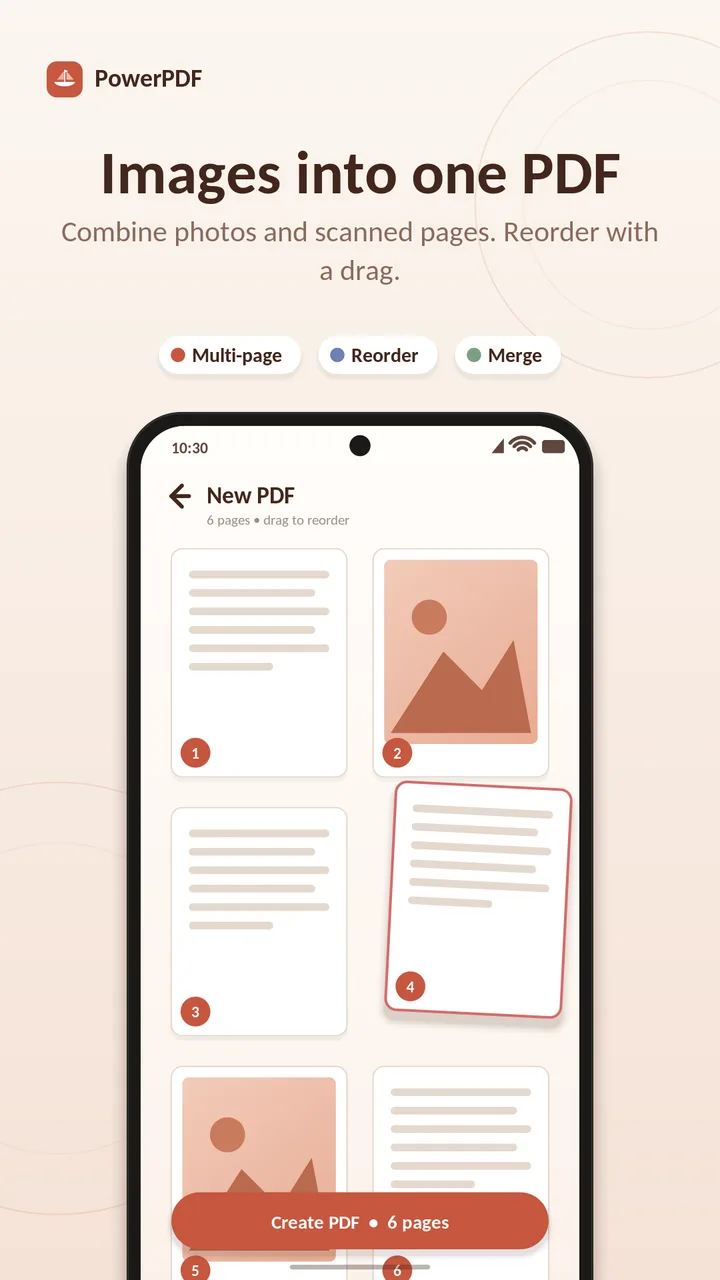
Image & camera to PDF

Turn gallery photos or camera captures into clean PDF files in seconds.

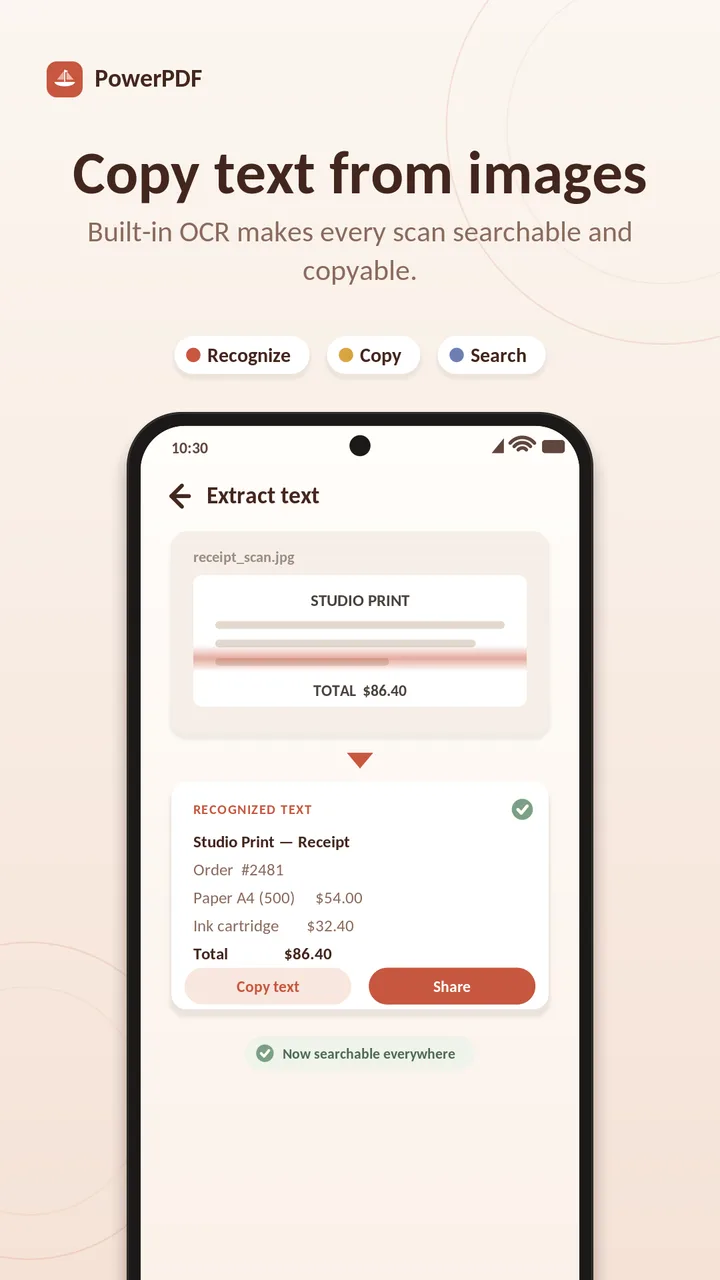
OCR text extraction

Pull editable text out of images and scanned documents, right on your device.

Lock & unlock PDFs

Add or remove password protection to keep sensitive files private.

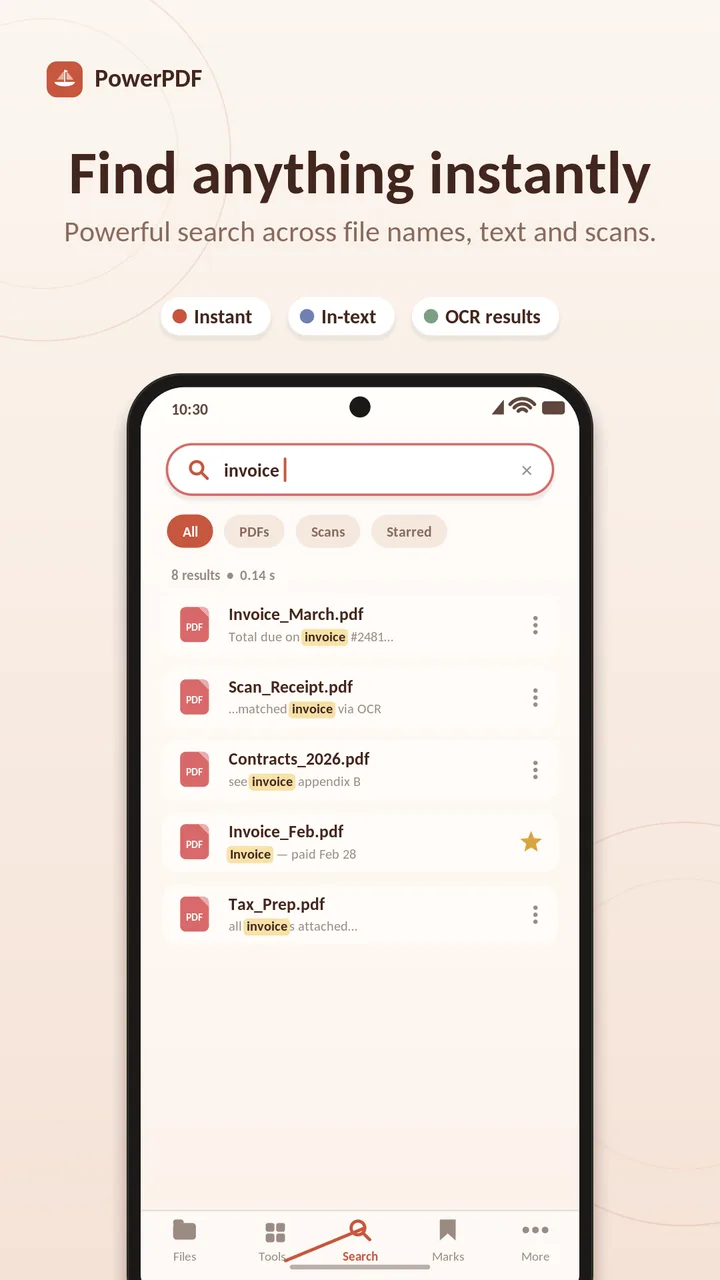
Fast, organized reading

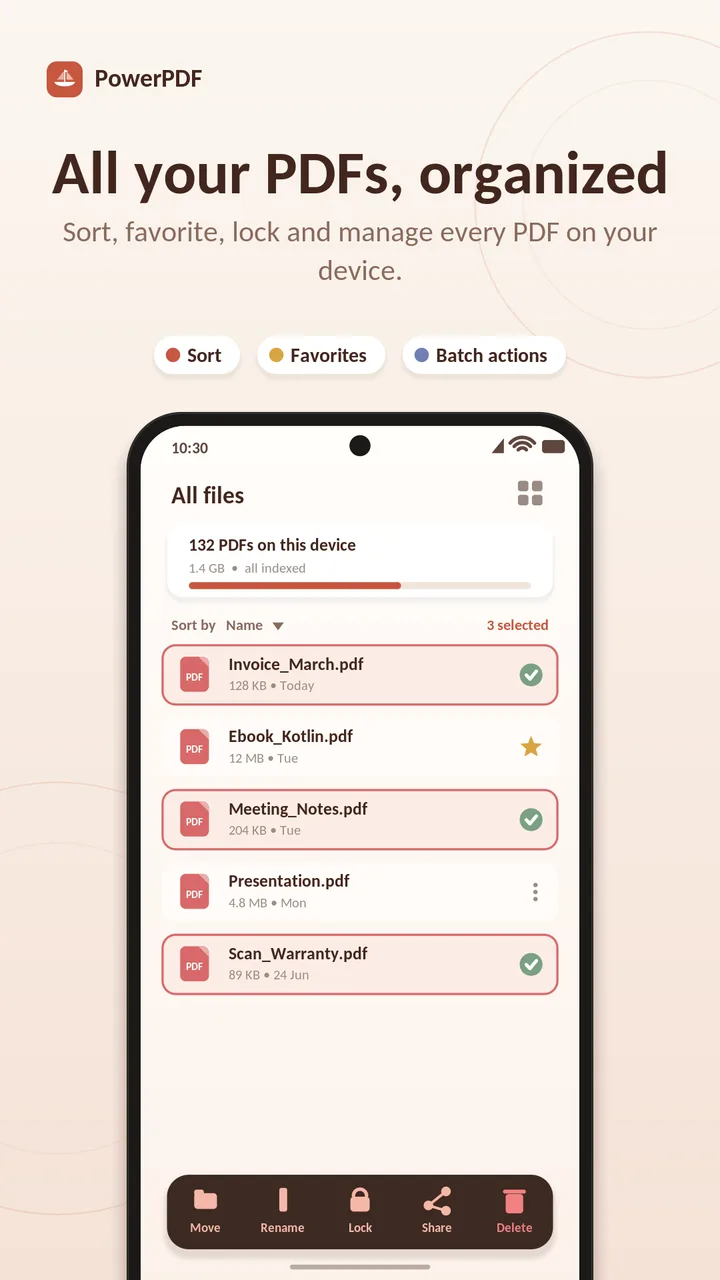
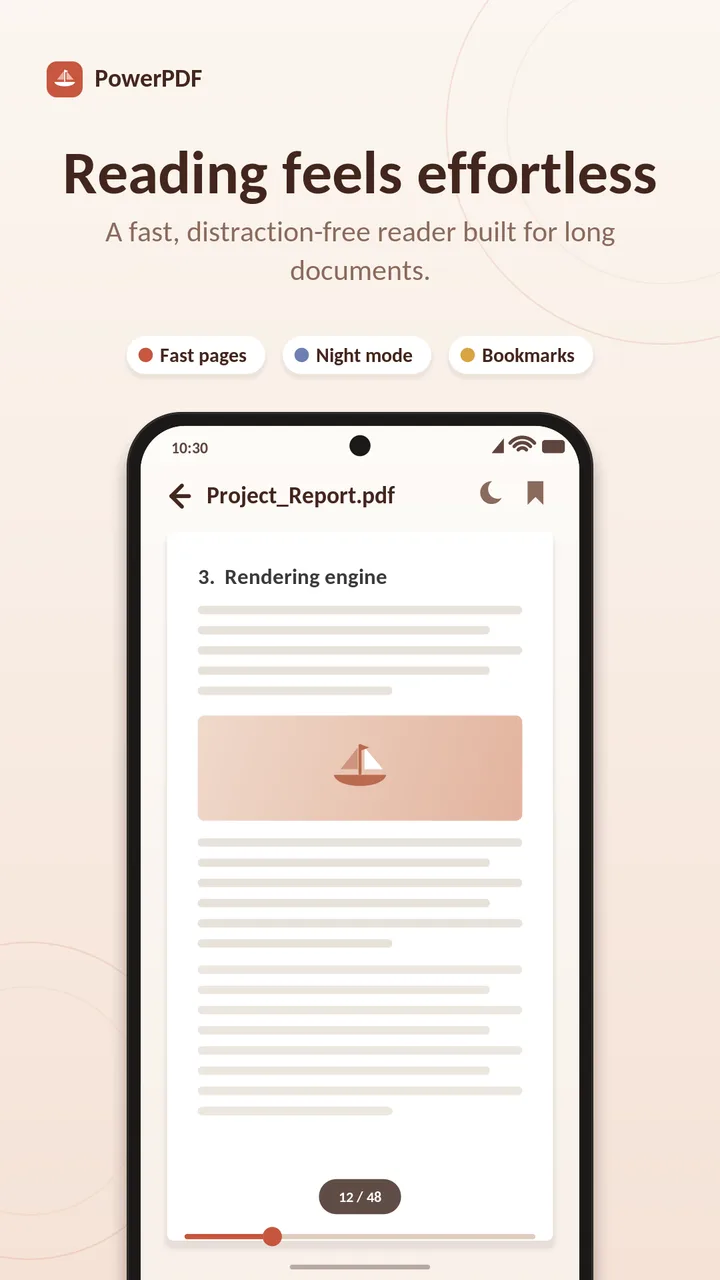
Favorites, folder view, page navigation, zoom, and light & dark modes for comfortable reading.

Create & share

Build PDFs from anything and share them in a tap — no account, no watermark clutter.
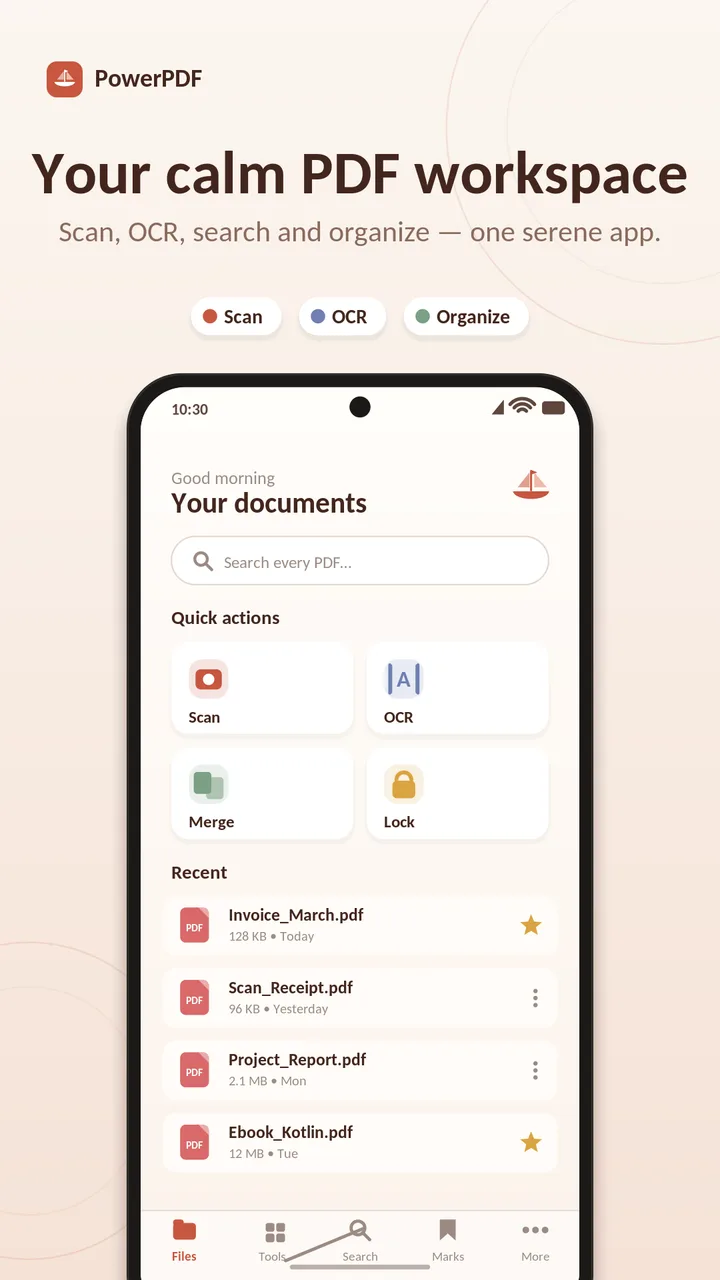
Screenshots

Privacy & data handling

Power PDF reads, scans and creates documents locally on your device, with no login and no upload of your files to run its core features.

The app is free and supported by ads. As declared in the Google Play Data Safety section, it may collect app activity, app info and performance, and device identifiers (used by advertising and analytics components); the listing reports this data is encrypted in transit and not shared with third parties. See our Privacy Policy for details.

FAQ

Power PDF — questions, answered

Is there a free PDF reader and scanner for Android without a login?
Power PDF is a free PDF reader and document scanner for Android that works without any login or account. You can read PDFs, scan documents and organize files right after installing.
How do I convert images or camera photos to PDF on Android?
Power PDF converts gallery images and camera captures into clean PDF files in a few taps — pick photos or scan with the camera, and Power PDF builds a shareable PDF.
How can I extract text from a scanned PDF or image (OCR)?
Power PDF includes OCR text extraction, so you can pull editable text out of images and scanned documents on your device.
How do I password-protect or unlock a PDF on Android?
Power PDF can lock a PDF with a password and unlock protected files, so sensitive documents stay private.
Is Power PDF free, and does it have ads?
Power PDF is free on Google Play and contains ads. No login is required to use it.

Honest limitations

Get Power PDF on Google Play

Page last updated: July 16, 2026 · Play Store data verified July 2026.