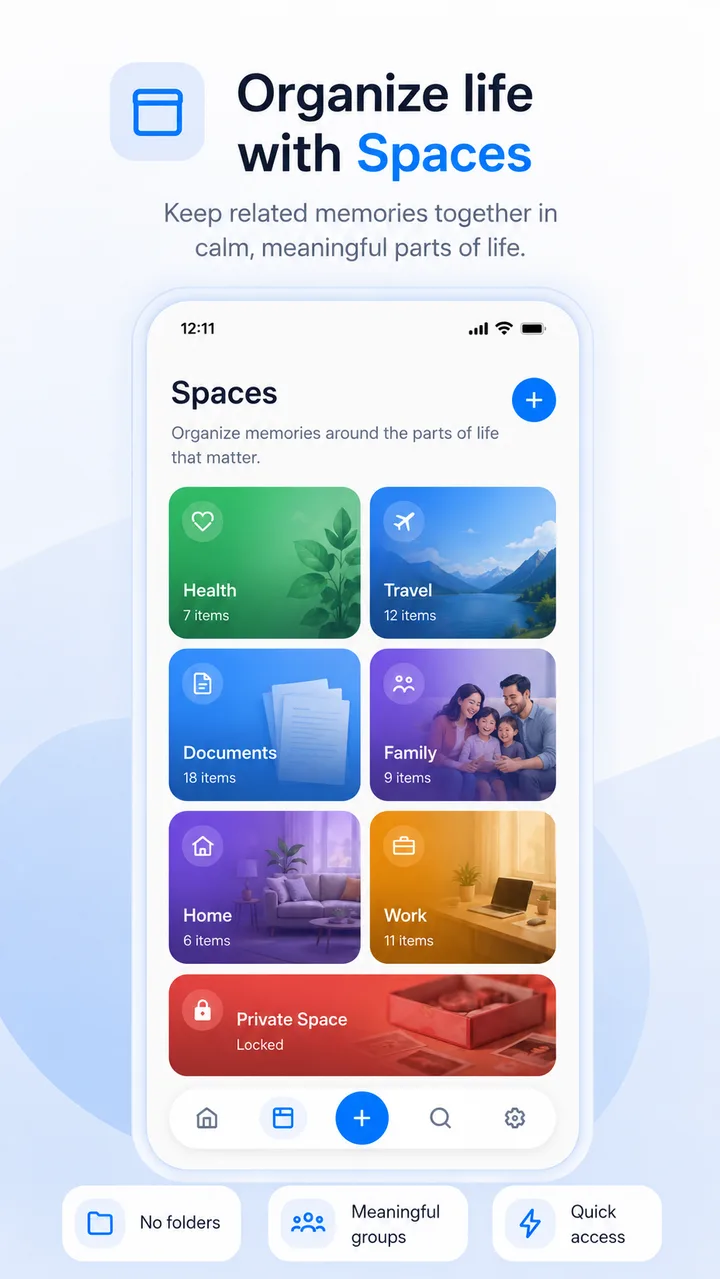
Organize life with Spaces
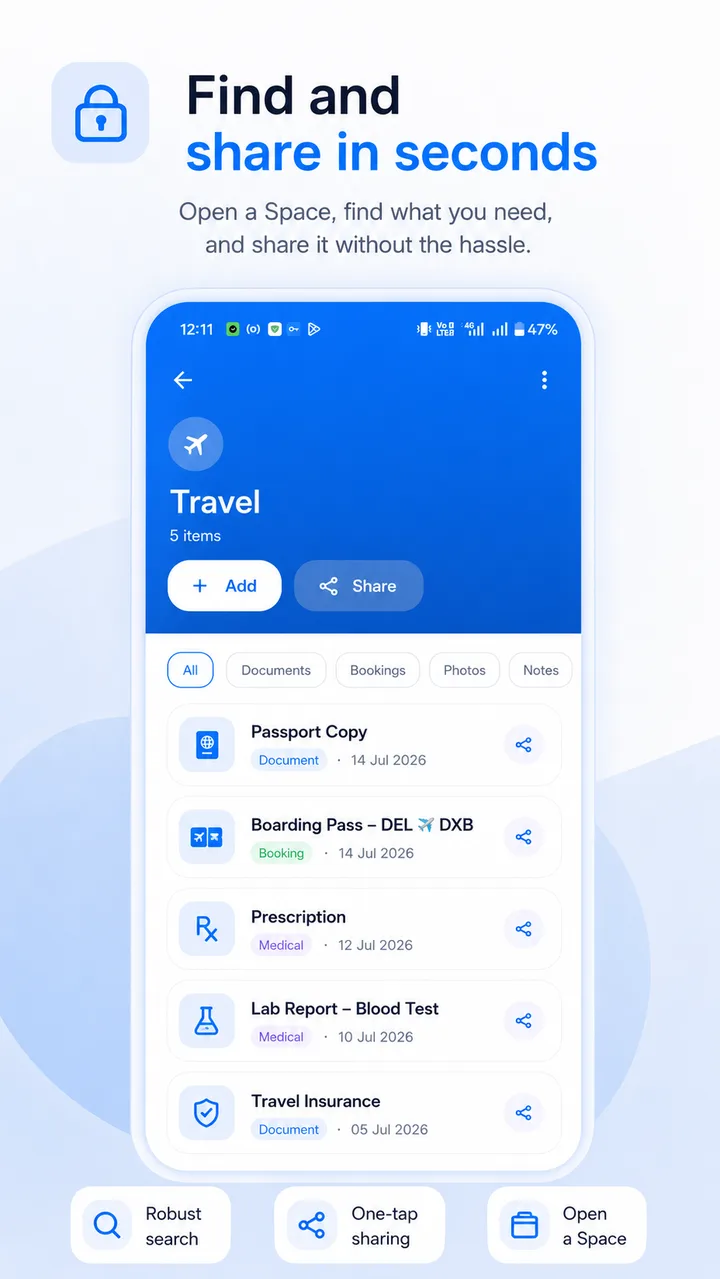
Meaningful groups, not messy folders: Vehicles, Health, Travel, Home, Family and Work — keep registrations, prescriptions, passports and leases where they belong.

MemorySpace · Docs & Reminders
A private, offline organizer for Android that keeps notes, photos, scans, reminders and events in one calm place — grouped into Spaces for the parts of life that matter.
Made for anyone whose important details are scattered across chat apps, email and their camera roll, and who wants one private, offline home for bills, documents and reminders.
One calm, private place for the pieces of life you keep needing to find.
Meaningful groups, not messy folders: Vehicles, Health, Travel, Home, Family and Work — keep registrations, prescriptions, passports and leases where they belong.
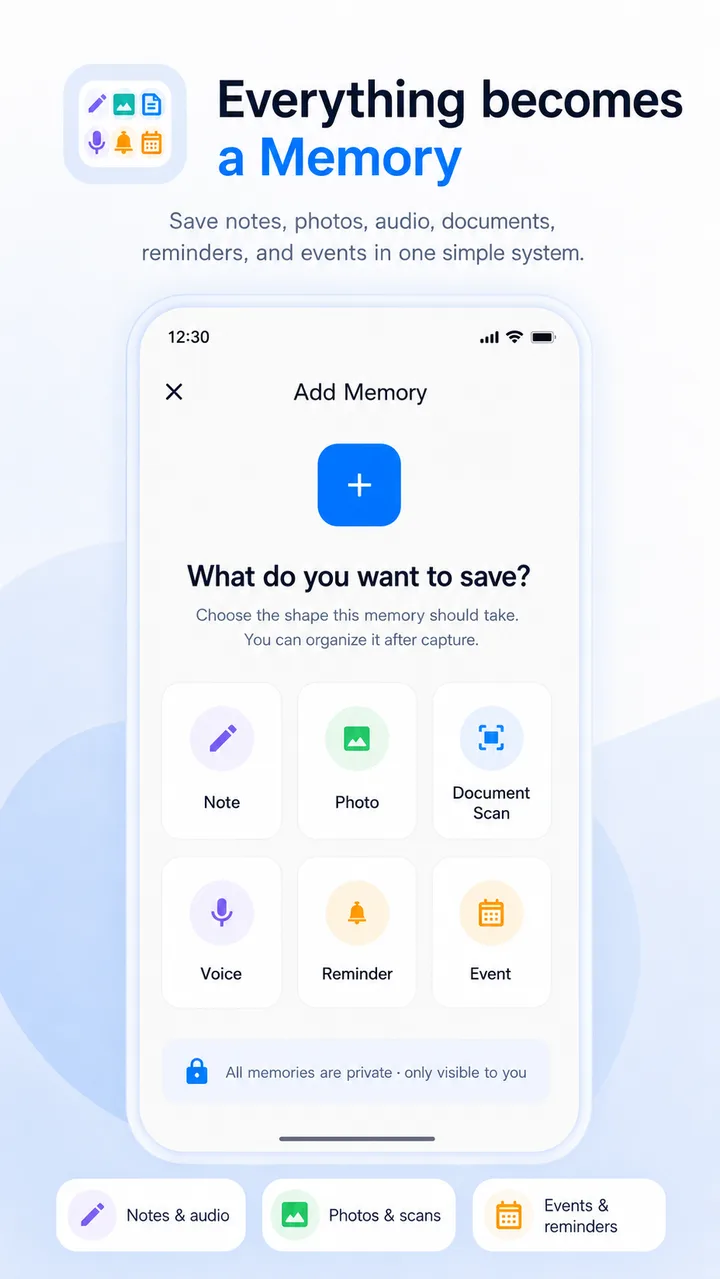
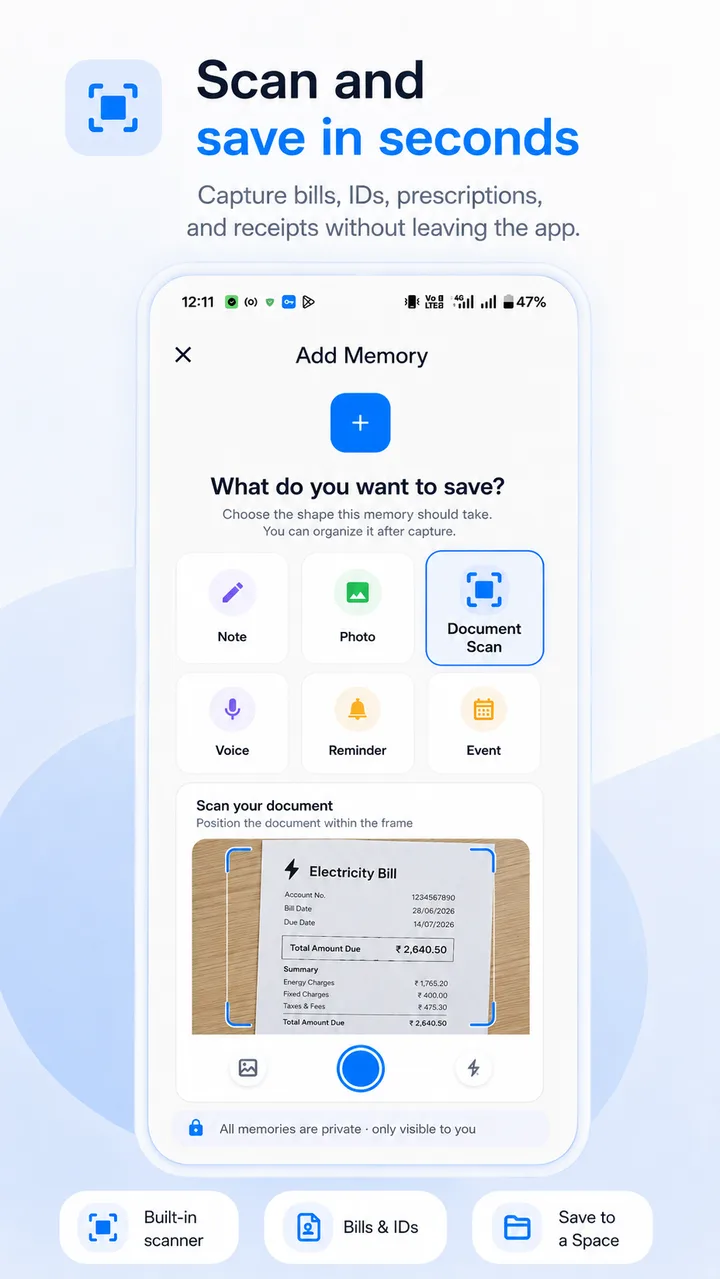
A memory can be a note, a photo, a voice memo, an event or a reminder — one simple system for all of it.
Capture bills, IDs, prescriptions and receipts as crisp scans, saved straight into the right Space.
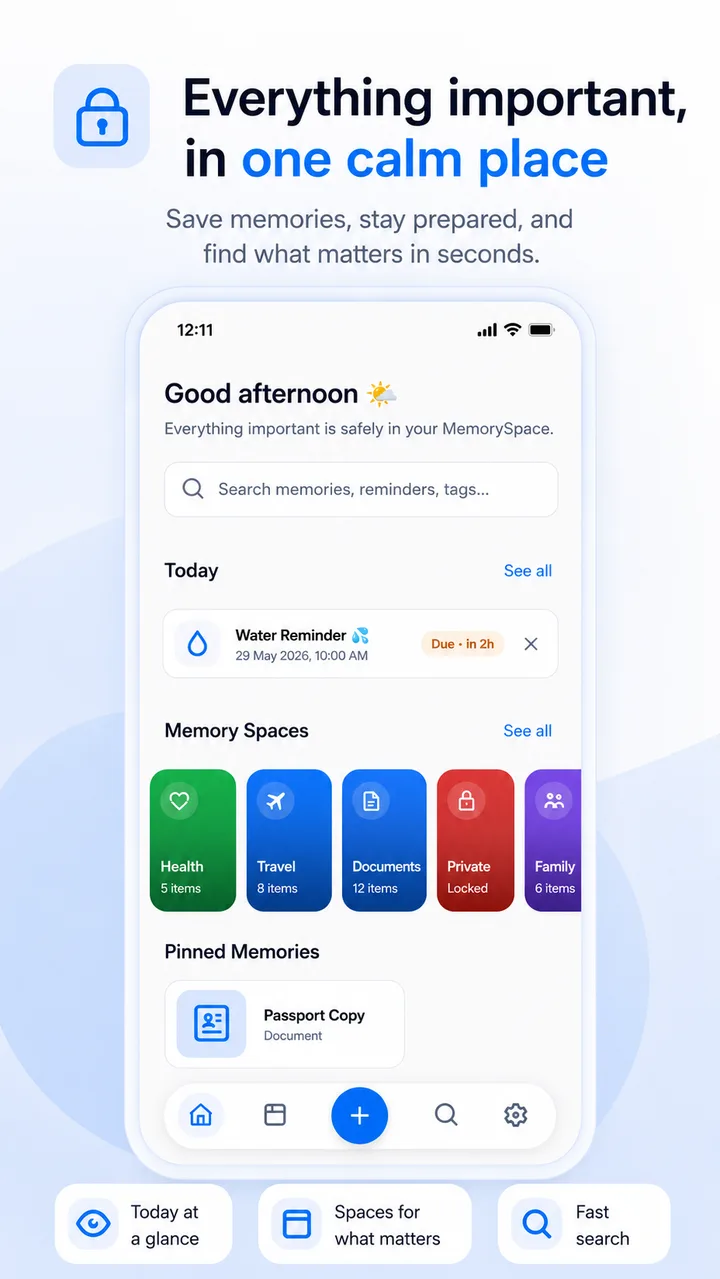
Today View surfaces upcoming events and routines; pin critical items like a passport copy to your home dashboard.
Store on-device with no cloud sign-in, lock your most sensitive files behind a private Space, and export backups to your own storage anytime.
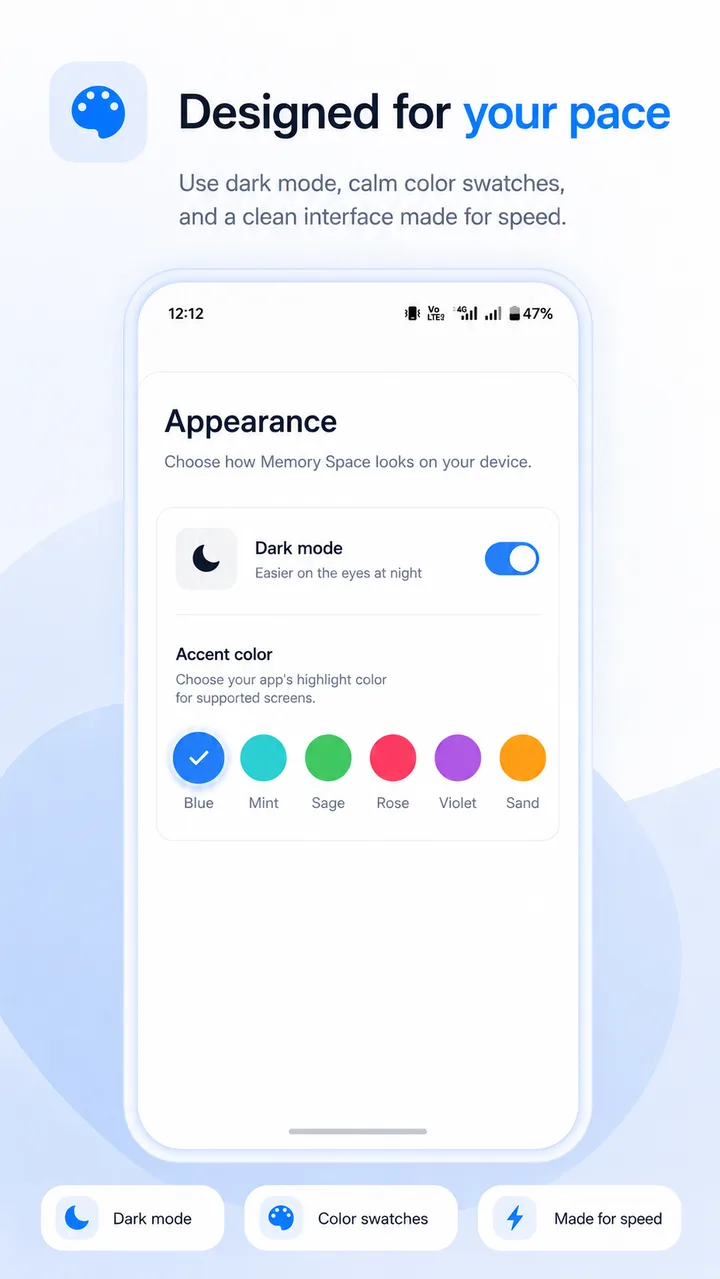
A clean, fast interface with dark mode and calming accent colors — Mint, Sage, Rose, Violet or Sand.
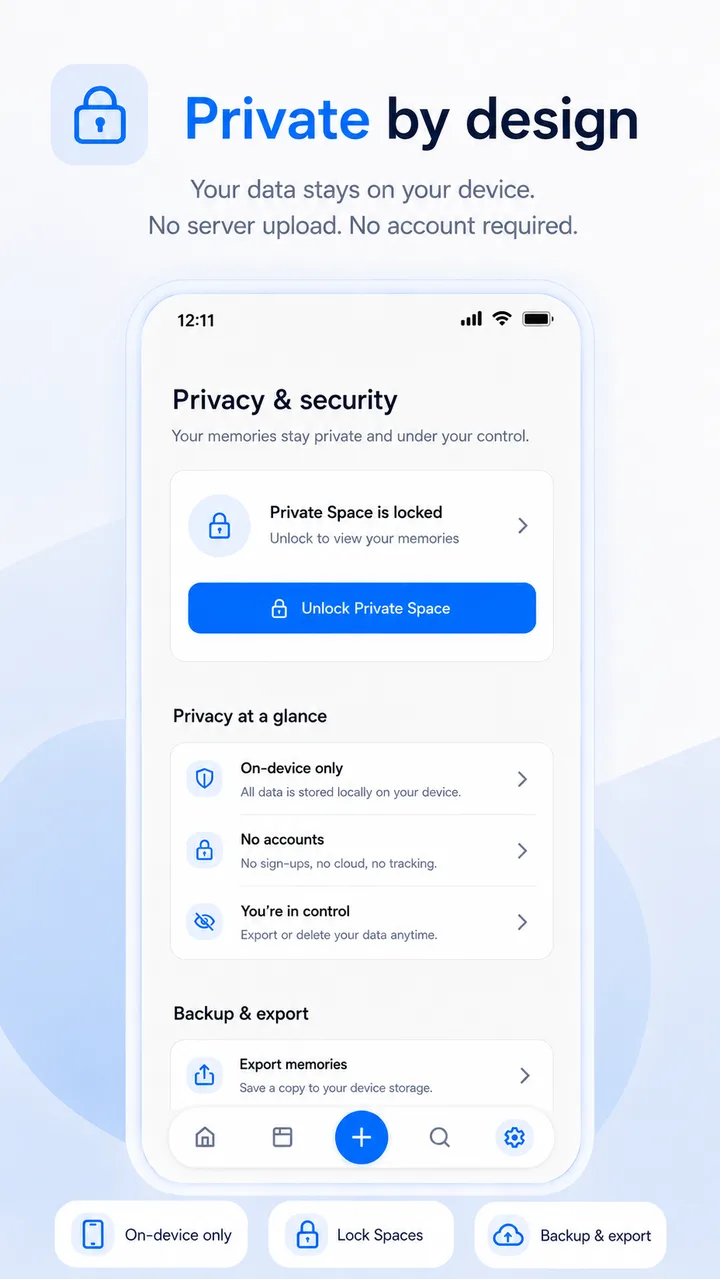
Your memories are stored locally on your device and do not require an account or cloud sign-in. You can lock sensitive items behind a private Space and export your own backups whenever you like.
MemorySpace is free, contains ads and offers optional in-app purchases. Advertising and analytics providers may process limited app activity and device identifiers, as declared in the app's Google Play Data Safety section. Your personal notes, scans and documents are not the product — they stay on your device. See our Privacy Policy for details.
FAQ
Page last updated: July 16, 2026 · Play Store data verified July 2026.